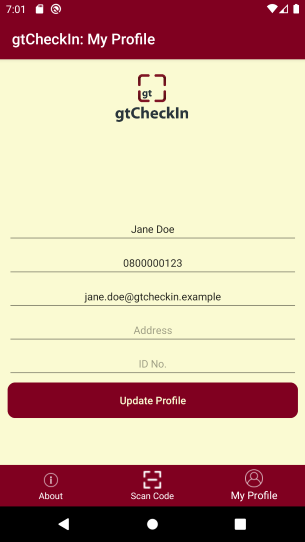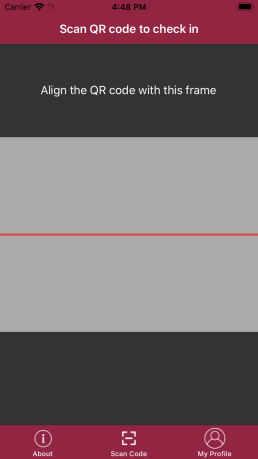
Download the app from your phone's application store and enter your details (only name and phone number are compulsory). If you see a QR code with the gtCheckIn logo outside the business/building, then you know they are registered. All you need to do is open the app on your phone, tap on "Scan Code", then scan the QR code. When the scan goes through, you'll see a message with a green tick on your phone, as well as the name of the business or building you just checked into.
Registration and Checking-in made easy with gtCheckIn. This app helps you digitally confirm attendance or check into places or businesses where your details are required. Simply scan their QR code with your phone, and your details will be sent to them. gtCheckIn is the digital way of replacing your pen!
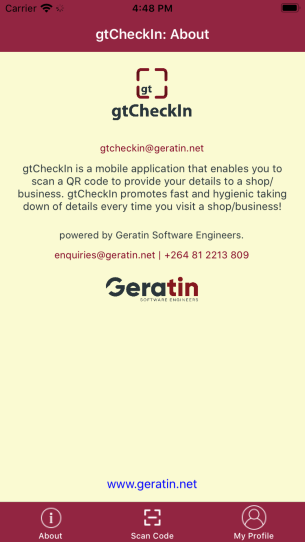
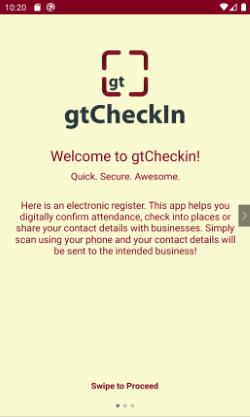
Here is an electronic register. This app helps you digitally confirm attendance or check into places where your details are required. Simply scan using your phone and your details will be sent to the intended business!
gtCheckin guarantees privacy of your personal information. You scan at businesses or places where you wish, and therefore control who gets your information. To read more about our privacy policy, click here
Pull check-in reports at any time, from anywhere.
Access to a dashboard with check-in summaries.
Download check-in reports in PDF and Excel.
Download and print your business QR code, and display for your patrons to scan
Link your different business units into one view, and get check-in registers for all of them - in one view
Pull reports of patrons that were in the building at selected time intervals